


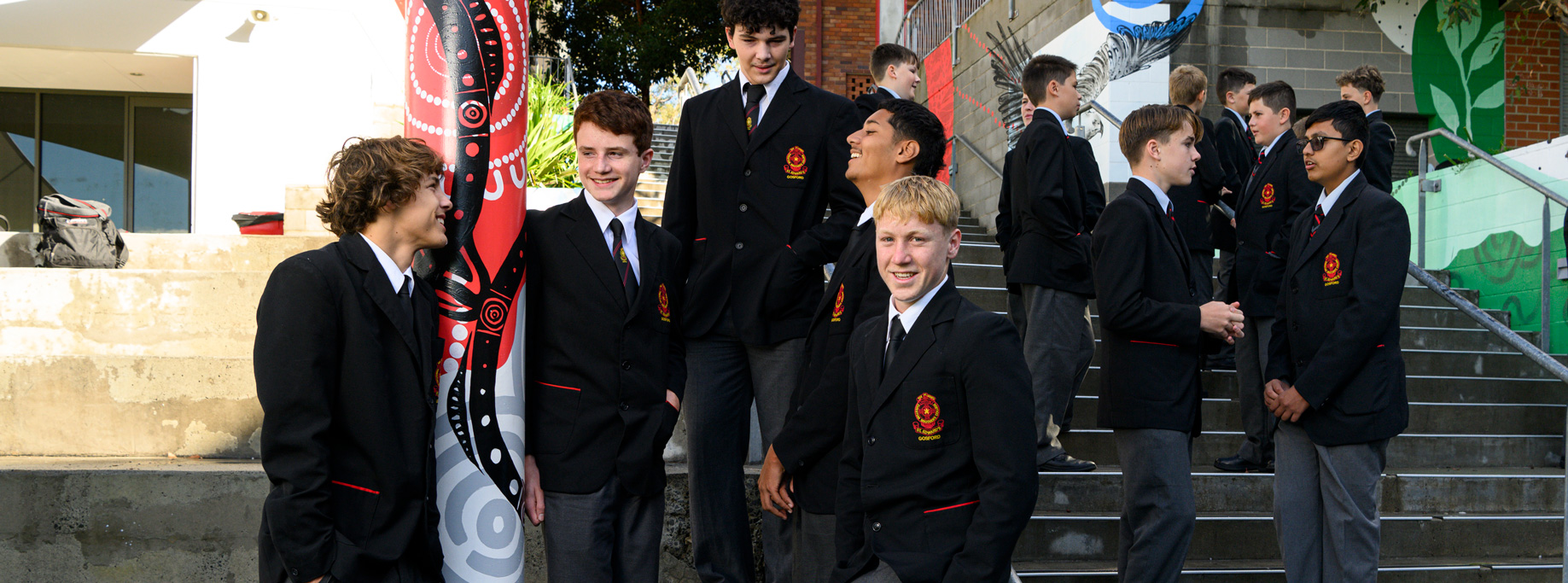
Information regarding these teams is posted in the College Daily Notices. This will be read each morning in Roll Call. Students can also access these notices from their laptop Homepage. Students need to check this each day and make sure they attend meetings, selection events and training in preparation for the below events.
2025 CSNSW Aquathon
Entries are now open for the Catholic Schools NSW Invitational Aquathon to be held on Wednesday 26 November 2025 at the NEW VENUE of Des Renford Aquatic Centre, Maroubra.
Why Aquathon?
Aquathon is a multi-sport event combining swimming and running (with a transition), with minimal equipment needed and low barriers to entry. Students of all abilities are given the opportunity to challenge themselves in a unique and fun event. Depending on age division, swim legs vary from 100-300m and run legs vary from 1km-1.8km.
What are the details?
See below for everything you will need to know regarding the CSNSW Aquathon:
· Date: Wednesday 26 November 2025
· Time: First race commences at 8:30am. Last race concludes at approximately 2:30pm
· Venue: Des Renford Aquatic Centre, Maroubra
· Address: Jersey Rd & Robey Street, Maroubra NSW 2035
· Entry: $50.00 per athlete
This event is for 8 to 19 year olds, with students competing in combined age groups i.e. 8/9 years, 10/11 years, 12/13 years, 14/15 years, 16 – 19 years, as well as combined Multi Class age groups, including 8 – 12 years and 13 – 19 years.
See here for proposed order of events: 2025 CSNSW Aquathon – Order of Events
Click Here for the Order of Events
Students may compete in two events on the day – one in the morning for qualifying and one in the afternoon in seeded finals.
How do I register?
Catholic School students are invited to attend with the approval of their School. Independent and Government School students are also invited to attend with the permission of their school and sector.
To register:
- Go to https://csnsw.sport/
- Click on “Create an account”
- Add your child’s profile
- Add your child’s school
* Non affiliated Catholic Schools, Independent Schools and Government Schools should enter “CSNSW Sport” as their school
- Click on the “Register For A Sport” button
- Select “CSNSW Sport Aquathon” under Available Sport Registration
- Follow the prompts to complete registration
For further information, see https://csnsw.sport/sports/csnsw-sport-programmes/aquathon or contact sportresponses@csnsw.catholic.edu.au
2026 NSWCCC Under 15 Cricket Selections
A reminder that Expressions of Interest (EOI) for the 2026 NSWCCC 15 Years & Under Cricket Selections are closing soon. Please log in to your parent dashboard and register your EOI today!
Event: NSWCCC Boys 15 Years and Under – Cricket Selections
All EOI registrations will be reviewed, and a selected number of students for both girls and boys will be invited to attend a trial.
Trial Dates if invited to trial:
- Boys: 21–22 October 2025
Eligibility: Must meet both criteria
- Date of Birth: 01/01/2010 – 31/12/2012
- School Years: 7–10
EOI Process:
After the closing date, all EOIs will be reviewed by the Cricket Working Group.
- Based on this review, a limited number of students will be invited to attend the trial.
- Both successful and unsuccessful applicants will be notified of the outcome by email.
- Some of the criteria used to determine the successful EOIs include (but are not limited to): • Highest representative experience • Current club and division they play in • Age/year group • Balance of skills within the group
Key Dates:
- EOI Closing Date: Friday, 10 October 2025 (5:00 pm)
- Notification: You will be notified by email of the outcome of your EOI (successful or unsuccessful) by 14 October 2025.
Term 3 Sporting Events
| Week | Date | Event | Venue |
| 10 | 25 September 2025 | Under 16 Rugby League 9’s | Gumbuyah Oval |
| 10 | 25 September 2025 | CSBB Under 14 & Under 16 Rugby 7’s Gala Day | Narrabeen |
| 10 | 25 to 30 September 2025 | NSW All Schools Athletics | SOPAC, Homebush |
Term 4 Sporting Events
| Week | Date | Event | Venue |
| 1 | 14 October 2025 | CSBB Under 13 Rugby League Gala Day | CCRSC, Tuggerah |
| 2 | 22 October 2025 | CCCPS Stage 2 Soccer Gala Day (student referees) | CCRSC, Tuggerah |
| 4 | 5 November 2025 | CSBB Under 13 Touch Football Championships | Narrabeen |
| 5 | 14 November 2025 | CSBB Open Volleyball Championships | Niagara Park |
| 7 | 25 November 2025 | CSBB Surf Lifesaving Carnival | TBC |
Below is a detailed explanation of the registration process for Representative Sport.
CSNSW Sport portal: Parent HELP
SETTING UP AN ACCOUNT
You will need to go to csnsw.sport, click on login, then “Forgot Password” – as your password will need to be reset.
Portal details update – Parents need to go in and update details (ie. Child’s school year and new school – Yr 7). Check this has been done if you cannot see registration options (you should be able to).
If you have NOT previously had account, you will need to set one up so you can register your child.
- Go to www.csnsw.sport
- Click on Create A New Account which is located in the blue box on the top right hand side of the page
- Click on Setup Parent Account
- Complete all the fields and click on Create Account. You will receive a confirmation email.
ADDING A CHILD
- Click on Add Child
- Complete all fields. Click NEXT
- Complete all fields on the next page and click on Add Child
REGISTER FOR A SPORT
- Scroll to your child’s profile
- Click on Register for a Sport
- Select the Sport
- Click Next
- Review your child’s details and if they are correct tick the “Acknowledgement” box and click Next
- Sport Specific Details – review all the event information and click Next
- Consent to Participate – Complete all the fields and click on NEXT
- Your registration is not complete until you have completed all steps – including payment if payment is required (Checkout)
PROGRESSION TO NEXT LEVEL
Once you have been selected to the next level you will receive an email to login in to your account
- Scroll to the child’s profile and there will be a box in red “Confirm Selection”. Click on the box.
- Review your child’s details and if they are correct tick the “Acknowledgement” box and click Next
- Sport Specific Details: Review all the event information and click Next
- Consent to Participate: Complete all the fields and click on Finish
- Add to Cart: Levy and uniform will be displayed. (If applicable)
Follow the prompts and click on Checkout - This will take you to the payment options. Complete payment.
CHECKING THE PROGRESS OF YOUR CHILD’S REGISTRATION
At any stage you can check your child’s registration progress. The stages are colour coded
- GREEN – the registration is complete
- ORANGE – the registration is awaiting Principal Approval or School Action
- RED – You have not completed the registration and must return to the process
You can check details, what you have agreed to and your cart/orders by clicking on View Registrations and scrolling through the sections. (Purchases are at the end)
Return to Newsletter

